Computer Accessories Distributor
Accessories can make working on computers more convenient, especially during long hours spent crouched over a
screen.
Computer accessories, such as keyboards, mice, headsets, cases, digital pencils, webcams, and speakers, not only
ease your work but also make your overall computing experience more enjoyable.
We have listed down multiple categories of computer accessories from leading brands like
Logitech,
Targus,
j5create,
Rapoo, and
Samsung for your reference.
Keyboard
The
keyboard
is an integral part of any computing setup because it helps users type information and send
instructions
to computers. Today’s keyboards come with many additional offerings, thanks to technological advancements. They
feature wireless connection, spill-resistant design, and anti-oxidation sealed membranes. Keyboards with
multi-connection features are the best choice for those with multi-tasking as their priority.
Although today's wired keyboards come with plenty of upgrades, users from the developer and content creator
communities generally prefer wireless keyboards. Wireless keyboards are stand-alone units and come in full-size and
tenkeyless formats, with features like backlight keys for smooth usage in the dark.
Mouse
Using a
mouse
to perform tasks is a great time saver, especially if your job requires extensive web browsing,
clicking, and page scrolling, something that a touchpad won't support easily. A mouse provides USB connectivity,
smooth cursor control, and precise tracking for easy scrolling experience. It comes in both wired or wireless
versions, and in different colors and ergonomic shapes for comfortable everyday computing.
Wireless mice are more convenient and comfortable to use because of their lack of wires. They come with loads of
features, such as auto pairing, dual-mode scrolling, and RGB lighting. Ergonomically designed mice help keep your
wrists in their natural posture as you work so you won't have to twist your arms to operate them. These mice come in
exciting colors to match the aesthetics of your workplace or personal settings.
Keyboard and mouse combo
As a keyboard and mouse are both essential accessories for the smooth functioning of any computer, many
manufacturers
today provide a
keyboard-mouse combo
, which provide certain advantages over buying a keyboard and mouse separately.
For instance, unlike a separate keyboard and a mouse, the combo comes with one Bluetooth adapter so you won’t have
to engage two USB ports for both products.
Long hours of computer usage often results in complaints about wrist pain. Keyboard and mouse combo sets are
typically identically ergonomic, reducing the fatigue from operating two distinctly designed peripherals. Moreover,
keyboard and mouse combos often provide aesthetic uniformity for personal and professional settings, which is not
the case when buying them separately.
Speaker
Computer
speakers
are a common type of audio output device. They receive audio from the computer's sound card and
emit audio waves out. Speakers often come in pairs because they use two independent audio channels to provide a more
immersive stereo effect. If you want to get the most out of your computer setup, it is highly recommended to
purchase a high-quality speaker system with surround sound.
These days, you can obtain speakers of excellent quality in a wide price range and from various manufacturers. The
speakers come with USB and Bluetooth connectivity, with some even featuring stereo speakers for a more immersive
audio experience.
Moreover, you can choose from a range of speaker sizes and colors to match your needs and computer setup.
Adapters
Adapters
are hardware components that enable the connection of two or more otherwise incompatible devices to
exchange
data. An adapter modifies input to make it work with other parts of a system.
There are different types of adapters, such as a DisplayPort to VGA adapter, which connects a MAC or a PC to an
external monitor, HDTV, or projector through a VGA input. Other popular adapters include USB-C to HDMI, USB-C
multiport adapters, world plug travel adapters, and USB multi-port display adapters. Some leading adapter brands,
such as Targus, j5Create, Lindy, and HP provide high-quality adapters catering to all your needs.
Webcams
Webcams
are small cameras that connect to a computer and record high-definition videos and offer a built-in
microphone for clear audio.
External webcams have added advantages over embedded/built-in webcams, since the latter are limited in quality and
performance due to their components' size. Because of their larger body, external webcams often offer higher quality
components, including improved resolution, speed, fluidity, color balance, and noise reduction. Unlike built-in
webcams, you can easily connect external webcams to a set of different devices.
Hubs
USB (universal serial bus) hubs are external devices that act as an extension for your computer or laptop's USB
ports.
Hubs
allow for a single USB port to turn into two, four, or even ten additional ports.
USB hubs may be divided into two distinct categories. The first is unpowered USB hubs that connect via wire to a
laptop or computer hard drive, relying on the battery to charge any items connected. The second is powered USB hubs
with an adapter that have the capacity to charge a variety of devices. Both categories are capable of transferring
data.
Privacy screens
A
laptop
privacy screen
, also known as a privacy filter, is a thin sheet of plastic that covers your screen to
prevent prying eyes from viewing private information.
They prevent a critical security risk, known as "visual hacking," by limiting the viewing angle of the display,
ensuring that only the user in front of the screen can see what is being displayed.
Screen protector
A laptop screen protector is a transparent film made of plastic, fiber, or glass, and can be fixed on the laptop’s
screen to protect it from scratches, impacts, and other damages. These protectors help keep your laptop’s display
brand new without interfering with its functionality. In addition, they act as an anti-glare layer.
Presentation remote
A
presentation remote
is a handheld wireless device used to change slides in a presentation. Presenters can use
either a clicker or thumb-scroll to progress or rewind through slides quickly. In addition, some presentation
remotes feature laser pointers to highlight specific content during presentations.
Cables
Cables
, sometimes called cords or connectors, are used to transmit power or transfer data between electronic
devices.
The two most common cables used in computers are power and data cables. A data cable allows electronic devices to
transfer data among one another. Some examples are USB, SATA, CAT5, and IDE/EIDE cords.
A power cable, on the other hand, is used to supply electricity to a device. Computer cables come in a wide variety,
including power cord, ethernet, DVI, HDMI, PS/2, USB, and VGA cables.
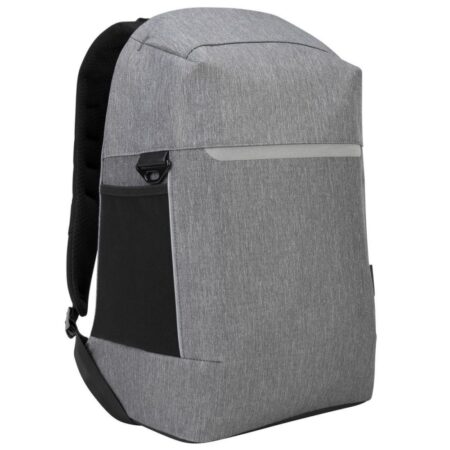
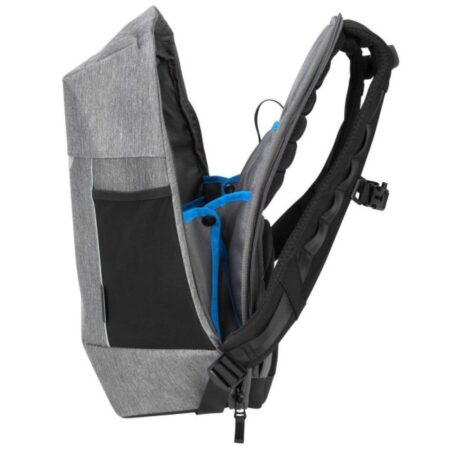
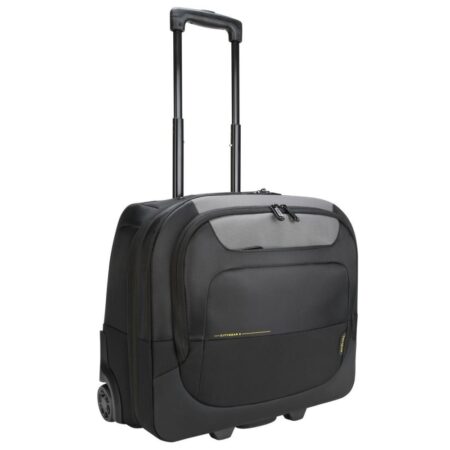
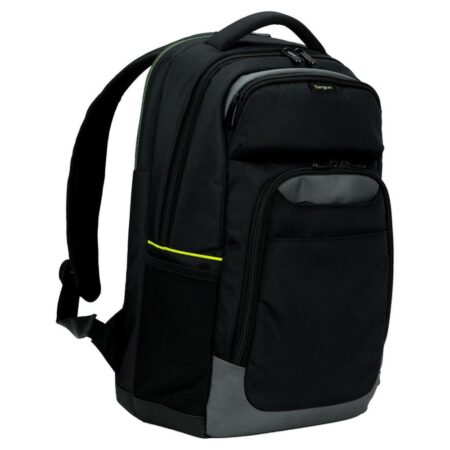
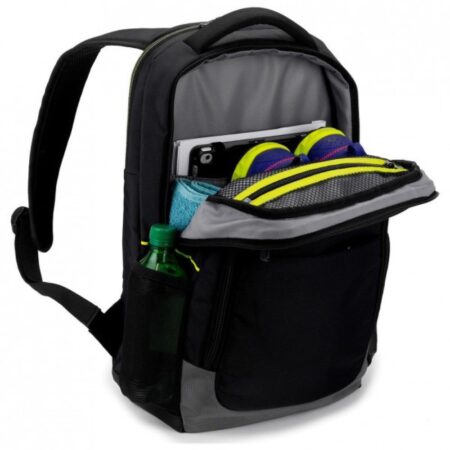
Bags
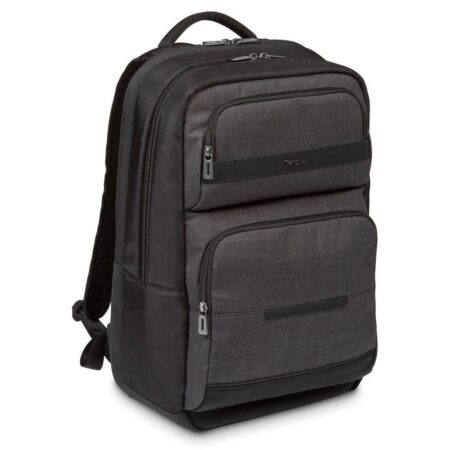
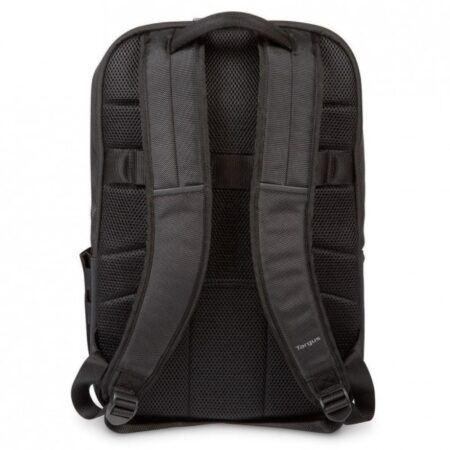
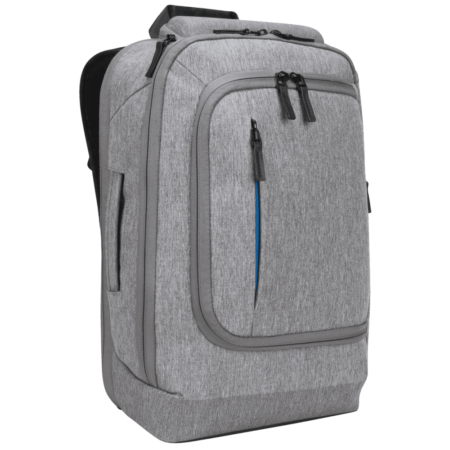
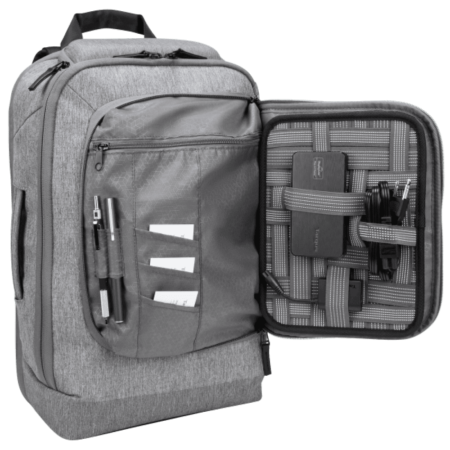
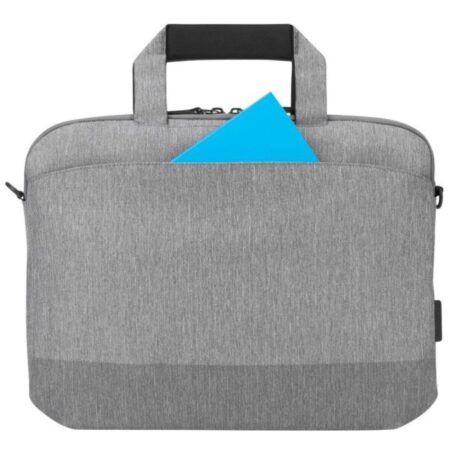
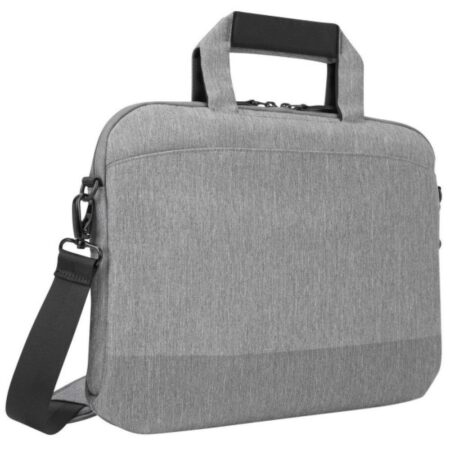
A
laptop bag
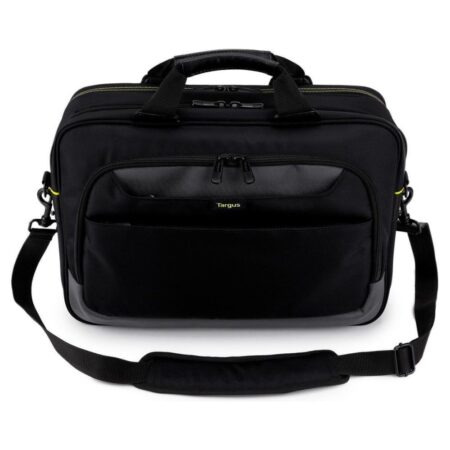
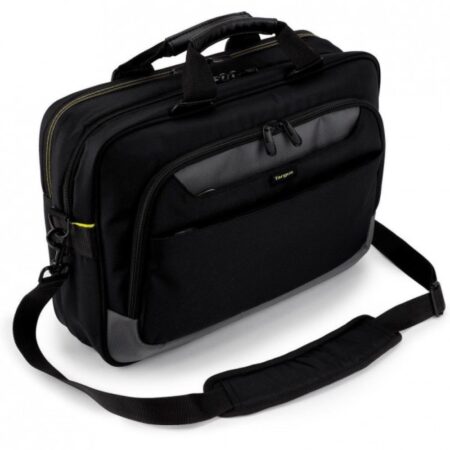
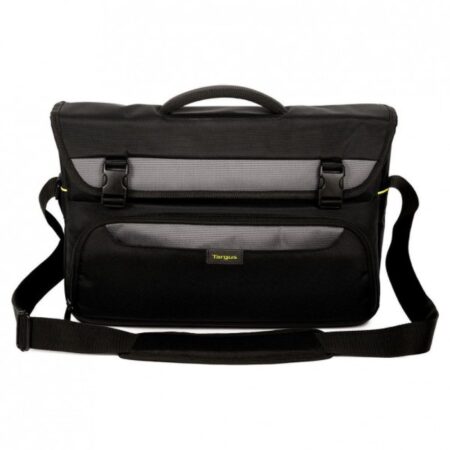
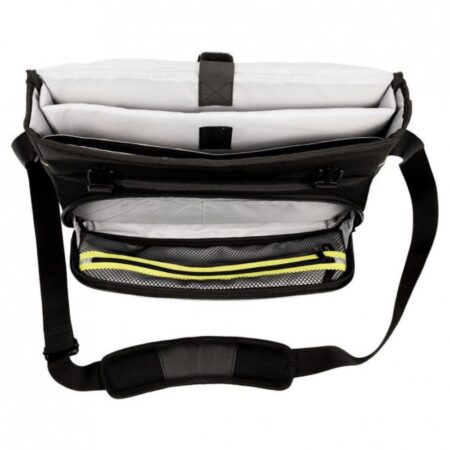
is a cushioned case that shields your device from drops, scuffs, and other damages. These bags often
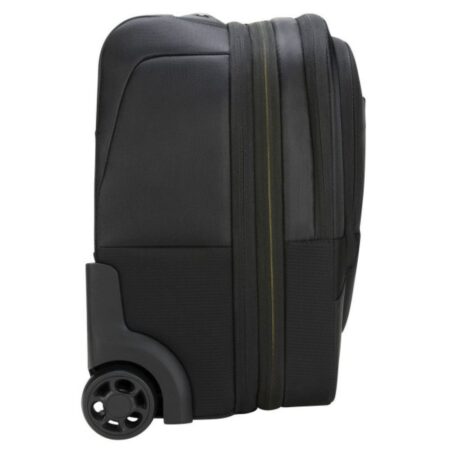
come with separate compartments for other accessories. Laptop backpacks, smart backpacks, messenger bags, trolley
bags, and slim bags are the five most common styles of laptop bags.
Smart backpacks are similar to laptop backpacks in that they both feature a separate compartment for the laptop and
pockets for accessories. However, smart backpacks have some extra features such as a USB port to charge your gadgets
through a built-in power bank.
While similar to laptop backpacks in function, messenger bags present a more put-together appearance. Nevertheless,
some professionals prefer trolley bags as they feature small wheels for easy mobility. For those who like to travel
light, slim bags are extremely light while still providing great protection for your devices.
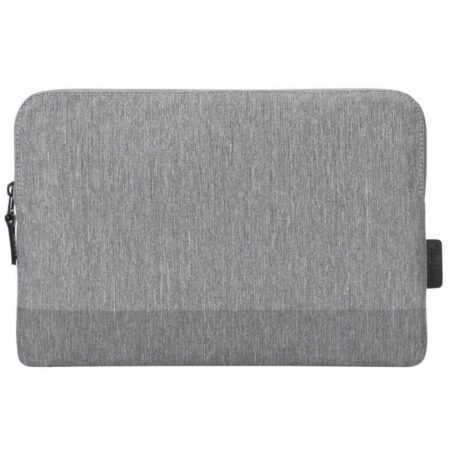
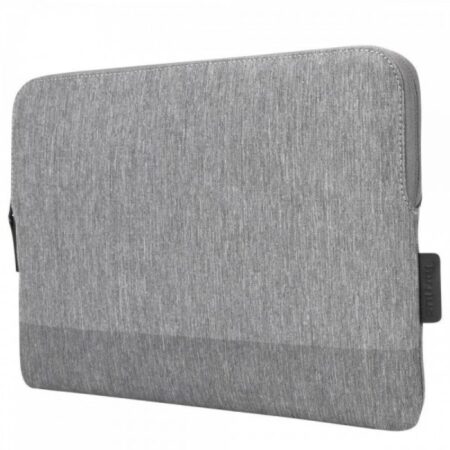
Sleeves & hardshells
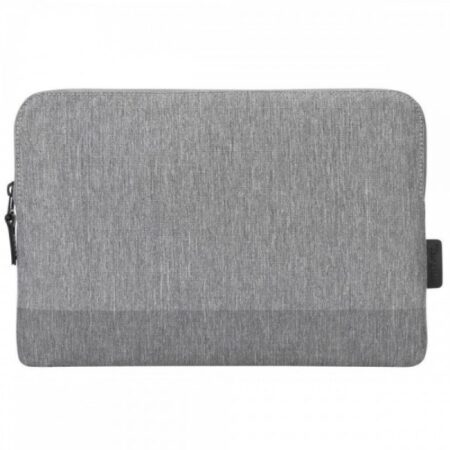
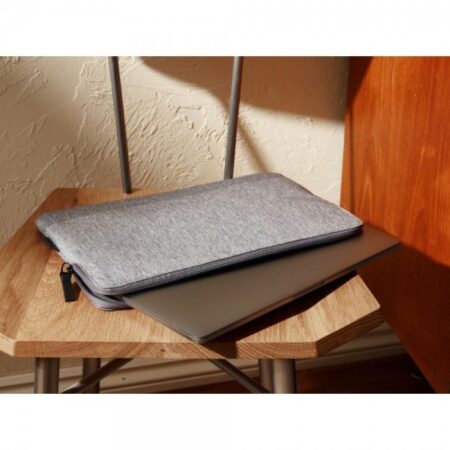
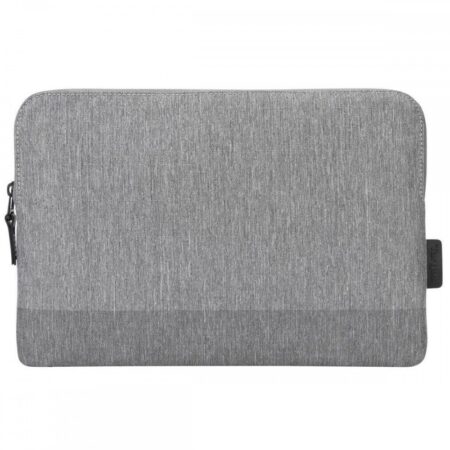
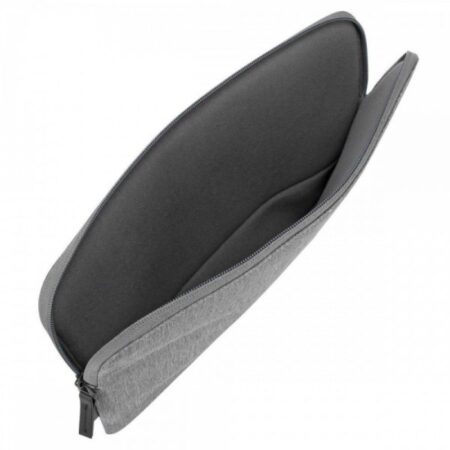
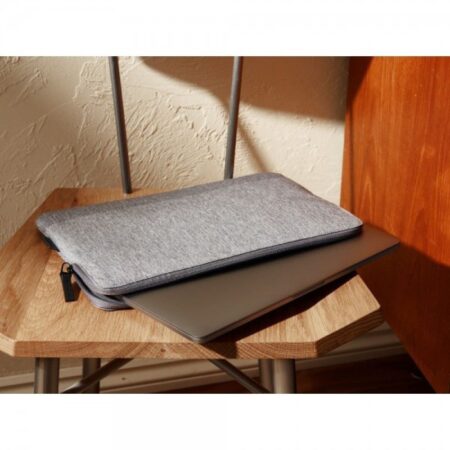
A
laptop sleeve
is a bag/pouch typically made from neoprene that is slightly bigger than the laptop and is meant to
protect the device from shocks, scratches, water, and dust. They are an easy and compact alternative to carrying a
bulkier bag when you only need to carry your laptop.
A hardshell case is most appropriate when you want to save space while protecting your laptop. They come with
different designs and patterns to make your laptop more visually attractive. Usually, hardshell cases are made for a
particular size and model of laptop, with some offering a foam cushion interior lining for extra protection.
Digital pencils
A digital pencil, sometimes known as a stylus, is an input device used in combination with touchscreen devices,
including tablets, smartphones, laptops, and monitors. Many individuals prefer using
digital
pencils
while taking
notes and drawing pictures on a touchscreen device. Artists frequently use stylus pens when creating animations or
other digital artwork on laptops or tablets.
Using a digital pen on a touchscreen is similar to writing with a pencil and paper, except that your work will be
preserved and shared digitally. Modern digital pencils have faster response times, so it more accurately mimics a
traditional pencil or pen.
Video capture cards
A
video capture
station
is a hardware that records or streams video and audio from a source, such as different
gaming
consoles like Xbox One, and PlayStation 4, that lacks the processing power to capture and stream games at the same
time. For such devices, you'll need a capture card that plugs into the console's HDMI connection if you want to make
recordings of your game.
It is possible to record both the video and the sound of the source device with a single video capture station. The
capture card can plug into the source device, while the PC records or live streams the content, making the entire
set-up simple to operate.
Mouse pads
A
mouse pad
is a rectangular piece of flat fabric or plastic that improves the traction of and readability of mice.
Mouse pads facilitate a more natural and comfortable mouse movement through additional features such as spill-proof
coating and an anti-slip base made from recycled materials. The spill-proof coating helps withstand accidental
liquid spillage, whereas the anti-slip base helps keep the mouse pad firmly on the surface for a smooth gliding
experience.